Webdesign
With your own website
We practice directly in your system or a copy of it. What you have learned, you can put to use the very next day.
Online training
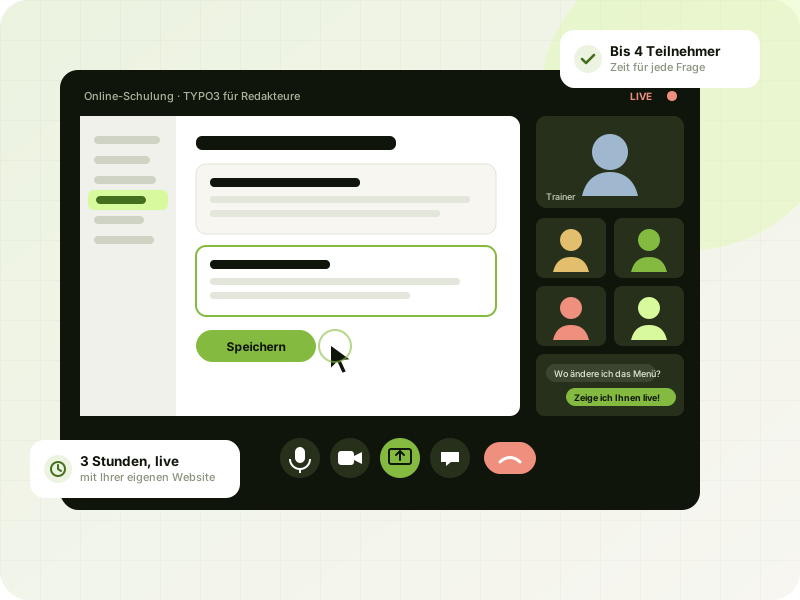
You learn live with your own website and your real tasks, not with textbook sample data. In a small group from your team, with no travel, including materials and 14 days of follow-up support.
 AI-generated
In brief
I offer live online training for TYPO3, WordPress and AI automation, for editors, administrators and teams who want to use AI sensibly in their everyday work. I am a web developer from Hilden, Germany, and I use exactly these systems every day in client projects. So you learn how it really works in practice.
Your benefits
Good training is not a lecture. You work hands-on from the start, and I am there when questions come up.
We practice directly in your system or a copy of it. What you have learned, you can put to use the very next day.
I develop and maintain TYPO3 and WordPress websites myself and build AI automations. You learn what really matters day to day.
A maximum of 4 participants in the CMS training sessions. That leaves time for every question, even the ones you would not dare to ask in a large group.
Everyone joins from their own desk. All you need is a browser and a headset.
A fixed price per participant that you know in advance. Materials and follow-up questions are included, no hidden costs.
For 14 days after the training, I answer your questions by email, because the best questions often only come up while you work.
| You want to ... | Matching training | Scope & price |
|---|---|---|
| Maintain the content of your WordPress website yourself | WordPress for editors | 3 hrs, up to 4 participants: €390 per person |
| Edit pages and content in TYPO3 with confidence | TYPO3 for editors | 3 hrs, up to 4 participants: €490 per person |
| Maintain, update and extend TYPO3 on the technical side | TYPO3 for admins & integrators | 2 × 3 hrs, up to 4 participants: €990 per person |
| Use AI in the office safely and sensibly | AI in the office: introduction | 3 hrs, up to 6 participants: €490 per person |
| Automate your own workflows with AI | AI automation in practice | 2 × 3 hrs, up to 4 participants: €1,190 per person |
| Clear up a specific question or learn one-on-one | 1:1 coaching | 60 min. for €95 (5-session package €450) |
 AI-generated
For editors
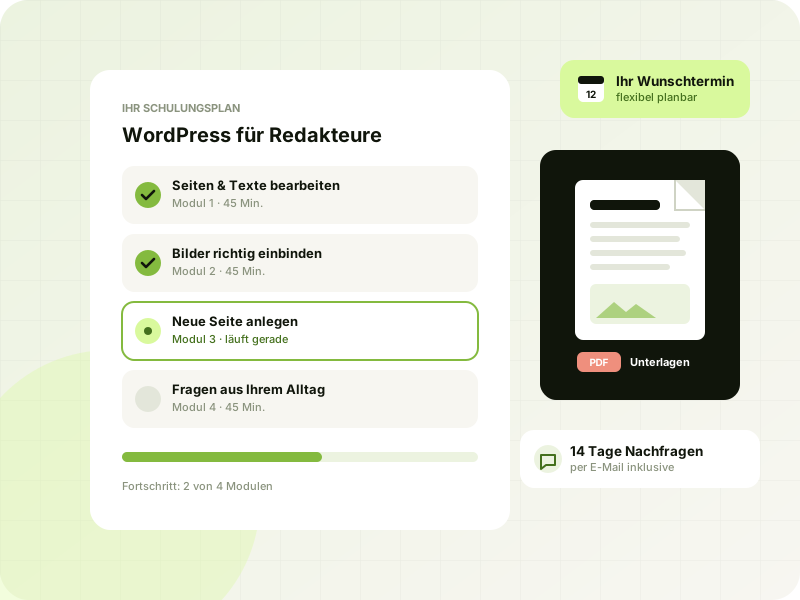
After three hours, you maintain your website on your own, without worrying about breaking something.
The editor training is for everyone who maintains texts, images and pages: owners, marketing staff or office staff. No prior knowledge is needed. We work with your own website, so you see every step exactly as it will look later.
 AI-generated
For admins & integrators
For everyone who looks after TYPO3 on the technical side, in an IT department, at an agency or as a freelancer.
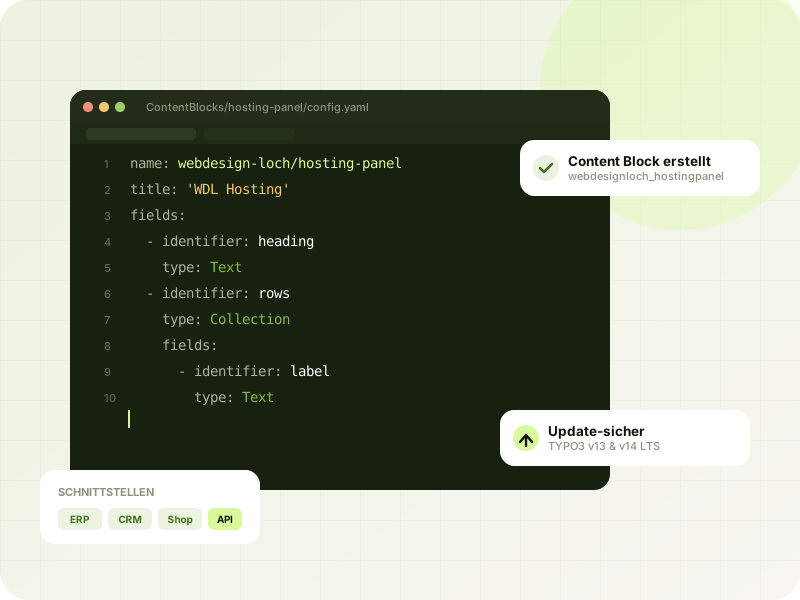
In two sessions of three hours each, you learn how a modern TYPO3 installation is structured, how to keep it securely up to date and how to add your own content elements. The basis is the current LTS version, and if you like, we work directly on your installation.
 AI-generated
AI in everyday work
AI saves time if you know what to use it for and what not to. That is exactly what you learn in my AI training sessions.
In the “AI in the office” introduction, you and your team learn to use AI tools safely for emails, quotes, texts and research, with clear data protection rules. In “AI automation in practice”, we automate a real workflow from your business together, for example pre-sorting inquiries.
You may already know one example from my own work: I developed Aithena, the AI assistant in the bottom right corner of this website, myself.
Prices
All training prices are per participant. Including a preliminary call, materials as a PDF and 14 days of follow-up questions by email.
TYPO3, WordPress or AI: topic of your choice
€95 per hour
Up to 4 participants
€390 per person · 3 hrs
Up to 4 participants
€490 per person · 3 hrs
Up to 4 participants
€990 per person · 2 × 3 hrs
Up to 6 participants
€490 per person · 3 hrs
Up to 4 participants
€1,190 per person · 2 × 3 hrs
Process
Send me a short note about what you need. In a free 15-minute call, we clarify goals, prior knowledge and participants.
You choose your preferred date. I tailor the training to your website and your tasks and send you the access link.
We work together on screen, with plenty of exercises and time for your questions. All you need is a browser and a headset.
You receive the materials as a PDF. For 14 days, I answer your follow-up questions by email.
Don't have a suitable system yet, or want to start with a professional right away? Then take a look at my services for WordPress websites, TYPO3 updates and AI automation.
For now, simply request a training session using the form or by phone. Soon, existing clients will also be able to book training and other services directly in the new customer portal, which is currently in development.
Training prices are per participant: WordPress for editors €390, TYPO3 for editors €490, TYPO3 for admins & integrators €990, AI in the office €490 and AI automation in practice €1,190. 1:1 coaching costs €95 per hour (5-session package €450). Materials and 14 days of follow-up questions are always included.
Not for the editor training or the AI introduction. For “TYPO3 for admins & integrators”, you should have a basic knowledge of web servers and HTML. In the free preliminary call, we clarify which training is right for you.
A computer with an up-to-date browser, a stable internet connection and ideally a headset. No software installation is needed. For the CMS training sessions, you also need access to your website.
Yes, that is the big advantage. We work in your system or a copy of it. That way you practice exactly the tasks you have in your everyday work.
Yes. I look at your website beforehand and adapt the training to it, no matter who built it.
Up to 4 people from your company for the CMS training sessions and AI automation, and up to 6 for the AI introduction. For larger groups, we split into several sessions.
At the moment, I only train teams from a single company or individuals in 1:1 coaching. That way I can focus entirely on your website and your questions.
Only if all participants agree. Either way, you receive materials as a PDF for reference.
For 14 days, I answer your follow-up questions by email free of charge. For more support, 1:1 coaching or a maintenance contract is a good fit.
Usually within one to two weeks. We agree on your preferred date in the preliminary call, and early evening sessions are possible too.
Yes. You can reschedule or cancel free of charge up to 7 days before the session.
That depends on your needs and your data protection requirements. We discuss in advance which tools are permitted in your company and work with those.
Free website check, an honest assessment and a reply within 24 hours, personally from me, not from a ticket system.