Webdesign
Redirects to other sites
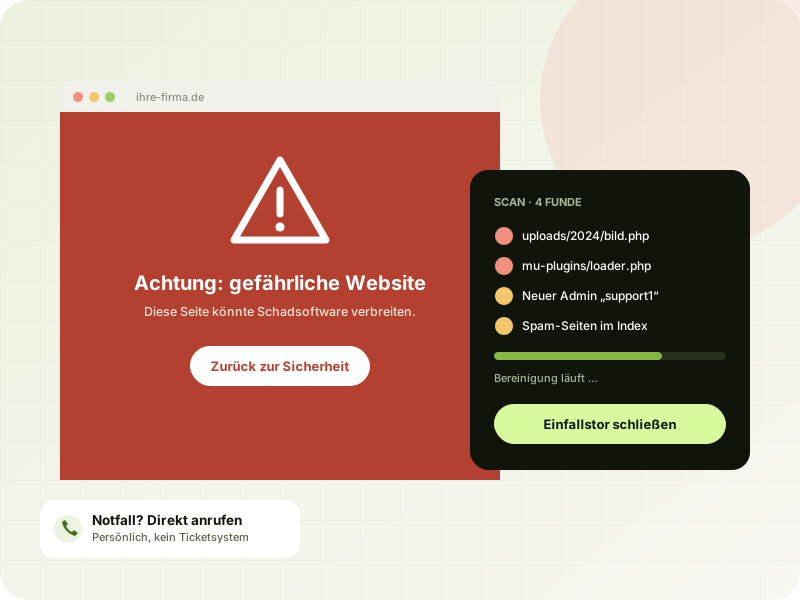
Visitors suddenly end up on advertising, sweepstakes or scam pages, often only on smartphones or only on their first visit.
Emergency help
Redirects to other sites, spam on Google or a browser warning: I find the malicious code, close the hole the attackers used to get in and bring your website back online, clean. For WordPress, TYPO3, PrestaShop, WooCommerce and other PHP systems.
 AI-generated
First aid
In short: Stay calm and don't just delete everything. Back up the current state, change the most important passwords from a clean device and get help that doesn't just remove the visible symptoms but also finds the cause.
A recent example of a critical vulnerability is the PHP security flaw php2shell.
Warning signs
An attack is often noticed late because the attackers want to stay undetected. Take these signs seriously.
Visitors suddenly end up on advertising, sweepstakes or scam pages, often only on smartphones or only on their first visit.
When you search for your domain, pages about medication, gambling or brand-name goods show up that you never created.
Chrome, Firefox or Google Search warn about your website. Visitors then almost always leave.
There are administrators in the backend you don't know, or files with strange names on the server.
Your host reports malware, blocks the website or complains about an unusually high number of emails being sent.
The website becomes slow for no obvious reason, shows errors or contains foreign content in the page source.
 AI-generated
Thorough, not superficial
Many cleanups fail because only the visible malware is deleted. The back door stays open, and a few days later the website is infected again.
Process
We have a short phone call. I back up the current state and, if needed, temporarily put the website into maintenance mode so that no visitors are harmed.
I analyze files, database and log files and find out how the attackers got in.
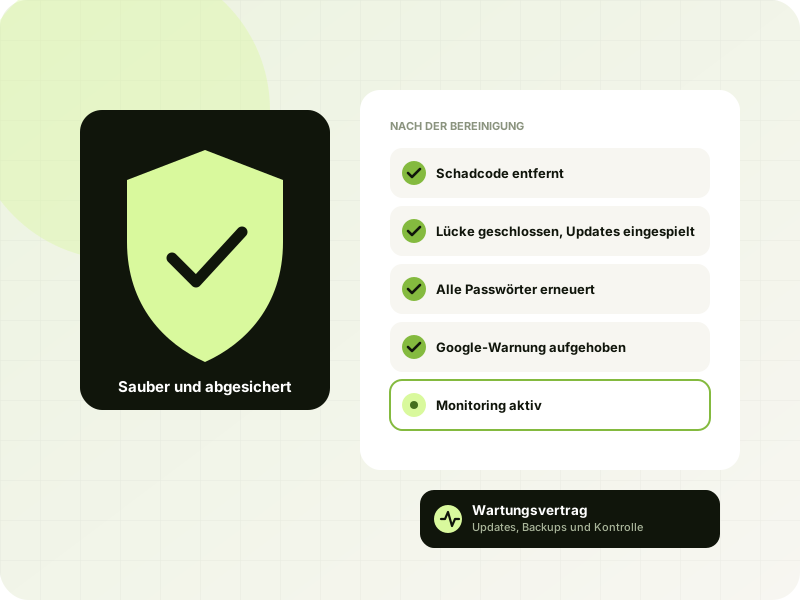
Malicious code, back doors and unknown accounts are removed, and system files are checked against the originals and replaced.
Close the hole, install updates, renew all login credentials and, if necessary, request a review from Google.
 AI-generated
Prevention
Most attacks hit websites whose software is out of date. A few measures significantly reduce the risk.
Most attacks are not the work of a targeted hacker but of automated programs that scan the internet around the clock for known vulnerabilities. When a hole in a widely used theme, page builder or plugin becomes known, thousands of websites are attacked within a few days. Small businesses are affected just as much as large ones.
From my own work, I know the typical patterns: PHP files disguised as images sitting in the upload folder, hidden extensions loaded with every page request, injected spam pages for Google and manipulated security rules meant to lock out other malware. That's why it is not enough to remove only the visible symptoms.
During an attack, attackers may be able to see database credentials and data from contact forms or shops. If a risk to the people affected is likely, the breach usually has to be reported to the competent data protection authority within 72 hours under Art. 33 GDPR. I document what I find so you can make this decision. Note: This is not legal advice.
Don't delete anything in a hurry, change the most important passwords from a clean device, inform your hosting provider and get help. Feel free to call me directly, and we'll discuss the next steps.
WordPress, TYPO3, PrestaShop, WooCommerce and other PHP-based websites and shops. It doesn't matter who built the website.
Call me or send an emergency request. I'll get back to you as quickly as possible so we can limit the damage first.
That depends on the extent of the infection and the system. After an initial assessment, I tell you the effort involved before I start the cleanup.
Usually not. A backup also brings back the old vulnerability, and often the backup itself is already infected because attacks go unnoticed for a long time. Without finding the cause, the website will soon be infected again.
A security plugin can help, but it is no substitute for a thorough cleanup. Many back doors are not detected by plugins, and an already infected website can manipulate the plugin itself.
First, the website has to be completely cleaned up. Then a review is requested in Google Search Console. I take care of this for you as soon as the website is clean.
That depends on the attack. I check what the attackers had access to and document it. That way, you can decide whether a report to the data protection authority is necessary.
With regular updates, secure login credentials, a hardened configuration and monitoring. As part of a maintenance contract, I take care of this for you, including daily backups.
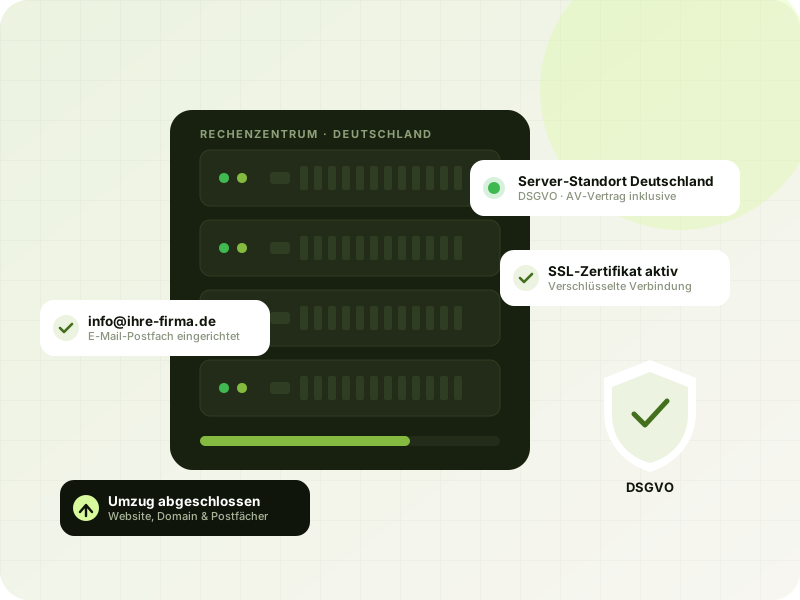
Yes. If you like, I move the cleaned website to my servers in Germany free of charge, where I keep an eye on both the server and the website.
Free website check, an honest assessment and a reply within 24 hours, personally from me, not from a ticket system.